Blog · Behind the scenes
Devlog · things that went sideways
Galaxy Store Rejected My Game Because the Default Language Wasn't English
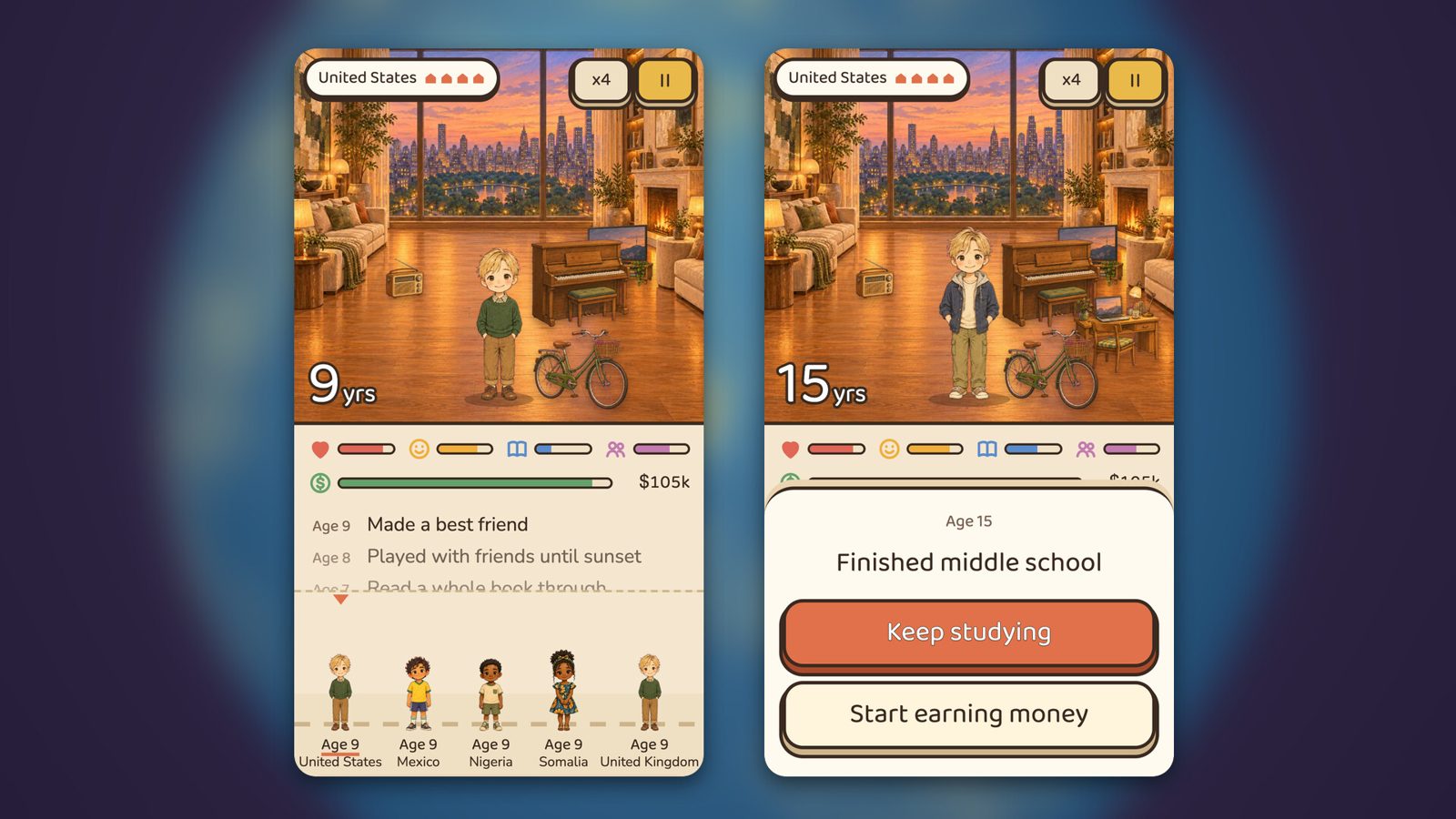
If you sell an app in more than one country on Samsung Galaxy Store, the default app name and description have to be in English. I left the default language on Korean and submitted One Life: Reborn Simulator, and on Nov 11 it came back as Test Confirmation Rejected. That was after four tries at commercial seller approval and an age rating trap on the first submission. I resubmitted with an English name, an English description and 6 screenshots. A second game with the same setting got its review cancelled and went back in with English as the default.
Four seller approvals, then the submission
Samsung Galaxy Store wants you to get seller approval before you can upload an app. I first applied to become a commercial seller on Oct 21, and the 4th application on Nov 10 was the one that got approved. Every earlier rejection was because the website didn't show on my business (D-U-N-S) profile.
As soon as I was approved I uploaded One Life: Reborn Simulator 1.0.7. There was one more trap here. The age rating setting appears twice on the screen, and one of the two is a hidden field for China. If you fill in that one, it saves as "done" but the submission stays blocked. I found the real field, set it to 12+, and only then did the list show Ready for Review.
The rejection reason: default name and description not in English
After I submitted, the status changed to Test Confirmation Rejected. You only get the reason if you click the icon in the review column of the list and open the attached file (Report.html). It was one line: "[Metadata] Default description and application name (Not in English)".
It wasn't about the app crashing or breaking a policy. When I created the app I had picked Korean as the default language, and because I was selling in more than one country, the default name and description had to be English. I had assumed a Korean game should default to Korean, and that was wrong.
- Status: Test Confirmation Rejected
- Reason: Default description and application name (Not in English)
- Cause: default language was set to Korean
The fix: English as default, Korean as an added language
The order I followed: add English under Add language, switch the default language to English, then rewrite the name, description and one-line summary in English. I named it "One Life: Reborn Simulator" and kept Korean as an additional language.
Screenshots are uploaded per language, so I added 6 new English screenshots to the English tab. Last, an app file in a "review failed" state can't be submitted as is, so on the Files tab I deleted the same APK and added it again. It went through with the same version number.
I fixed my other game before it got rejected too
I had one more game in review at the time. Trigger Trio also had Korean as its default language. It was going to get rejected for the same reason, so I didn't wait for the result. I cancelled the review, switched the default to English and submitted again. Cancelling put it back in the registering state, so I could edit it.
I also changed the first line of our registration procedure doc from "default language Korean" to "English" (#6643). From the next game on, I start with English from the beginning.
Two days lost to a reason that looks obvious in hindsight
Seller approval took 3 weeks, the age rating trap took one round, and the language field took two days. Before I opened the rejection report I was suspecting app size or permissions. The reason was a single line, but the way to find it was hidden behind an icon in the list.
Both games are now waiting for review. As I write this I don't know whether they passed. I'll add the result to this post when I have it.
FAQ
What default language should I use on Galaxy Store?
If you sell in more than one country, the default app name and description have to be in English. Pick English as the default language when you first register the app, and add Korean (or any other language) through Add language.
What does Test Confirmation Rejected mean?
It means the review was rejected. To read the reason, click the icon in the review column of the list and open the attached file (Report.html). The cause can be registration info like the name and description rather than the app itself.
Can I resubmit the same APK after a rejection?
Yes. A file in a review failed state can't be submitted as is, so delete that APK on the Files tab and add the same file again. It went through with the same version number.
Do I need to upload screenshots in English too?
Yes. Screenshots are uploaded per language. After switching the default language to English, I had to fill the English tab with 4 to 8 new screenshots (I used 6).
More from the blog
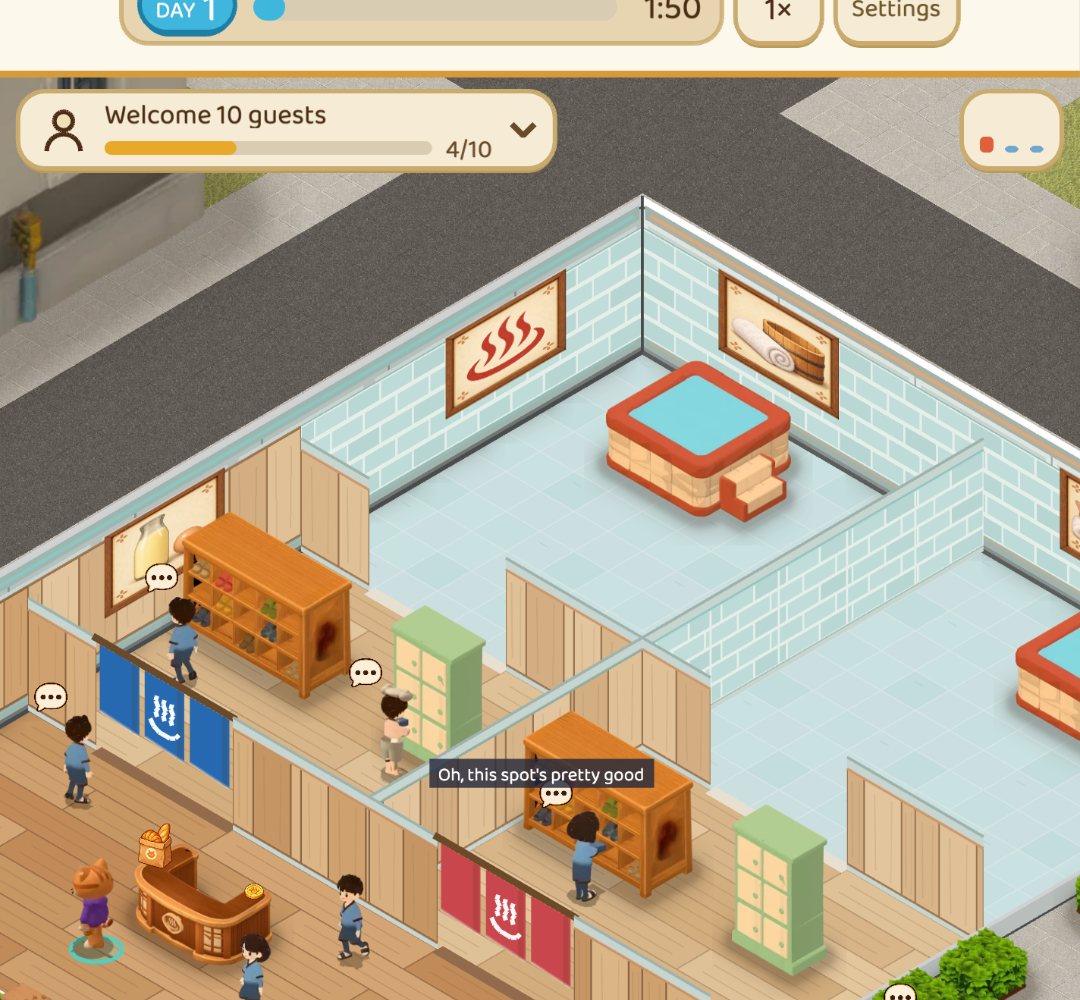 ComparisonOnsen and bathhouse games: 8 compared by what the store pages sayOnsen and bathhouse games from Steam, Google Play and the App Store in one table: price, rating, idle or not, Korean and Japanese support, plus the weak spots of our own game.
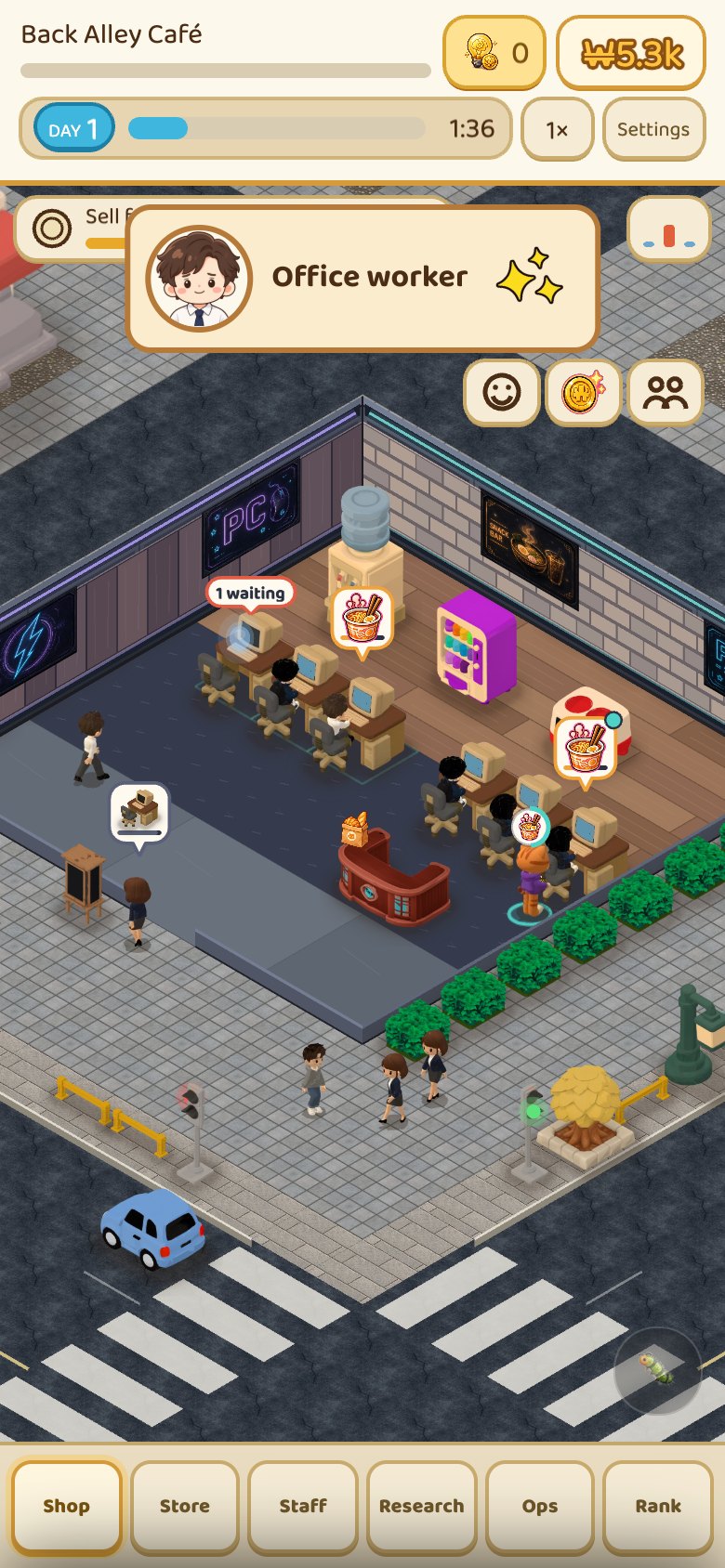
 ComparisonIdle tycoon games that work offline: 8 picks sorted by store labelsWhich idle tycoon games work offline? Google Play tag, store wording, list price and ads in one table, plus our own game's weak spots.
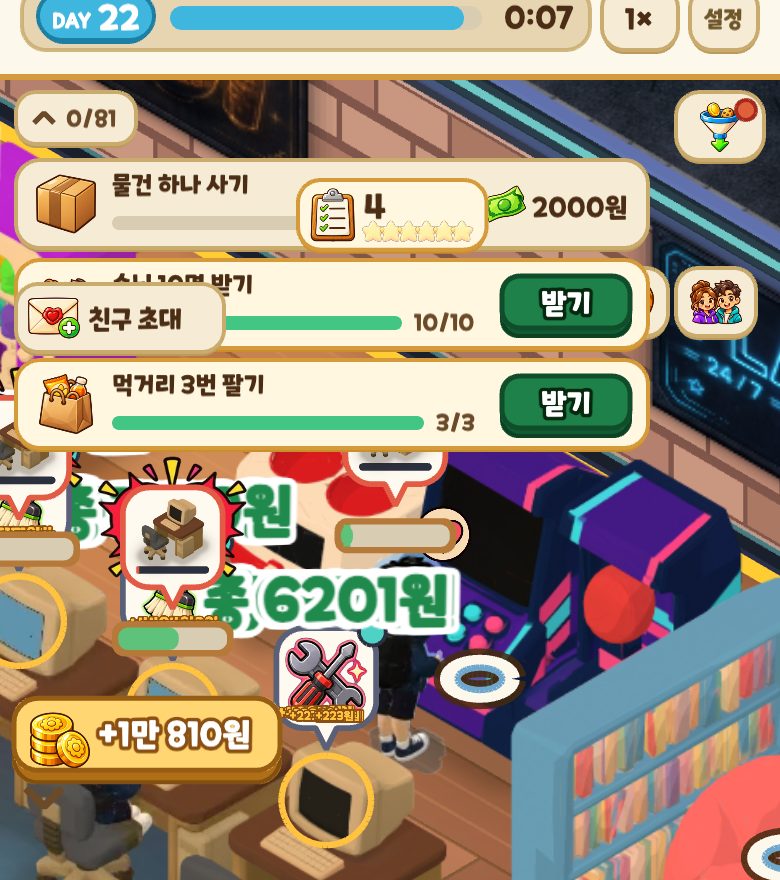
 Games likeFinished Kairosoft? 14 games to play next, sorted by what you lovedIf you have played through Kairosoft, here are 14 games sorted into four flavors: short grow-it sessions, running a shop, watching residents live, and layout puzzles. Steam list prices, review scores and UI languages checked by hand.
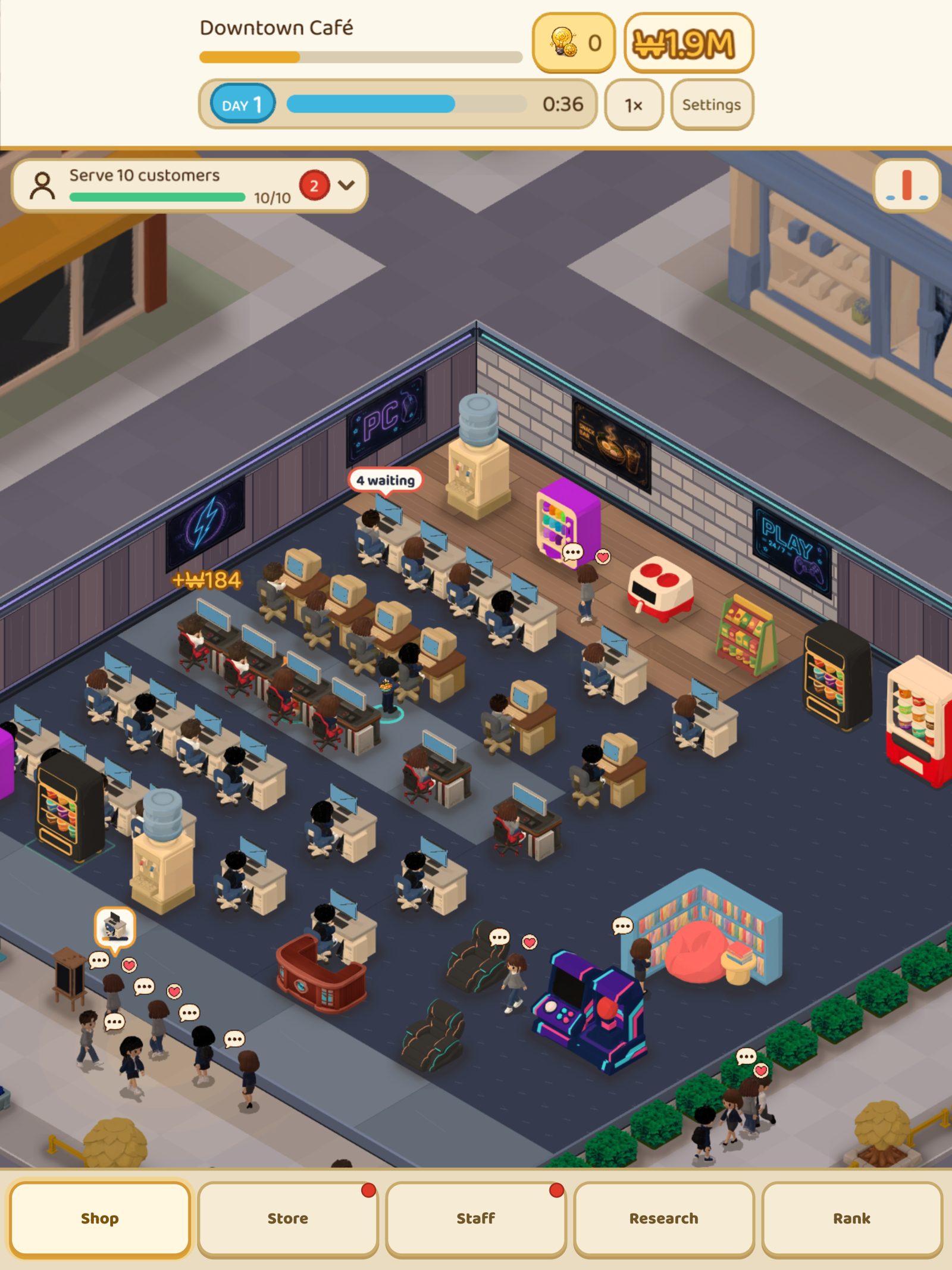
 ComparisonInternet Cafe Simulator Games in 2026: 17 Picks, iPhone IncludedLooking for an internet cafe simulator on iPhone, Android or Steam? We compared 17 games using prices, ratings and offline notes read straight off the store pages, plus our own game's weak spots.