
Blog · Behind the scenes
Dev log · fixing a review
What a "Doesn't Fit My Phone" Review Told Us About Android 15
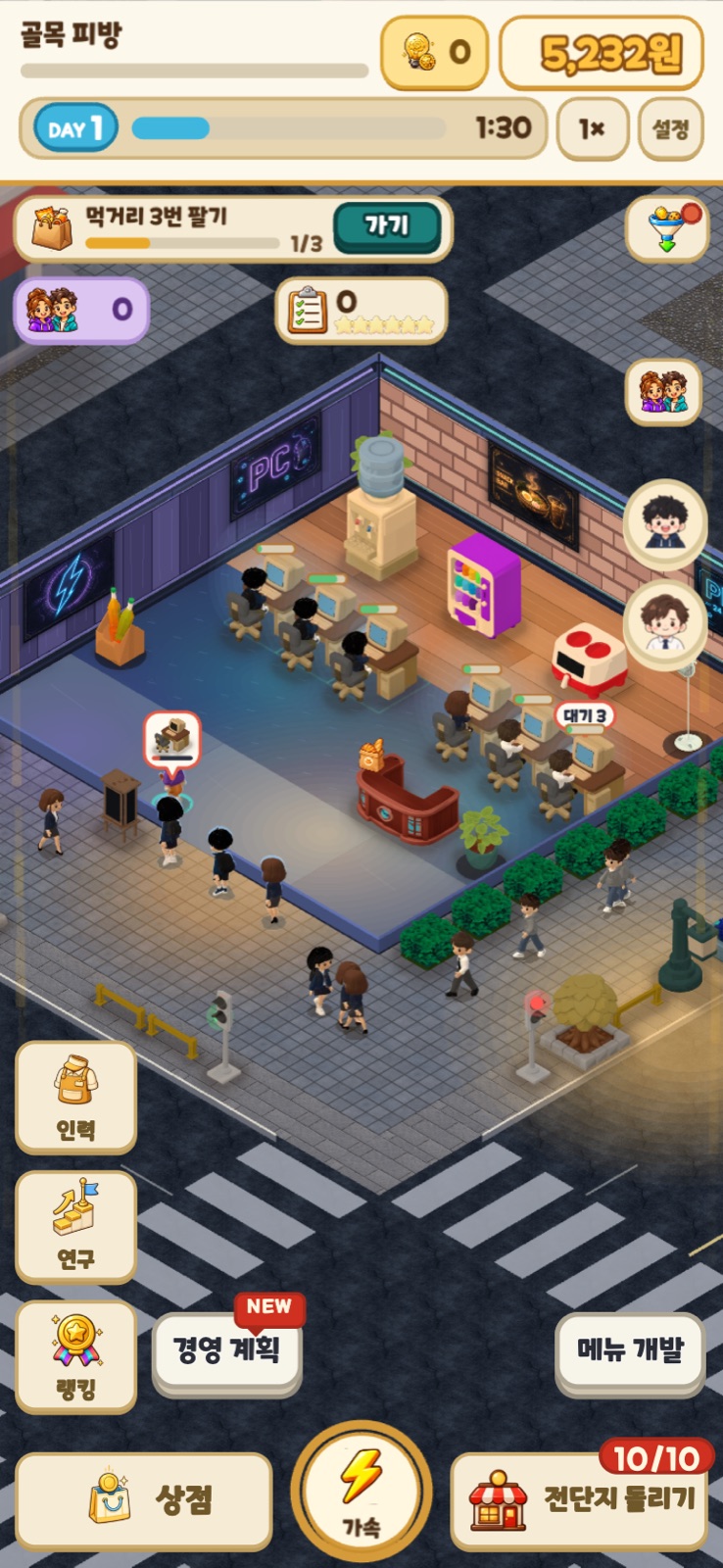
From Android 15, apps built with targetSdk 35 or higher are drawn edge-to-edge, all the way under the status bar and the navigation bar. If your Capacitor app renders in a WebView, set android.adjustMarginsForEdgeToEdge to "force" in capacitor.config.json so the WebView sits inside the system bars, and paint the window background in your app's base color so nothing shows through behind the bars. The bottom buttons come back. Adding a fixed pixel margin at the bottom did not work for us, because bar height differs from device to device.
A review that came with one star
On November 2, 2026, a 1-star review in Korean appeared on the Google Play page for Cat PC Cafe Tycoon (PC방 키우기). The original is in Korean, so this is our translation:
"The game is fun, but it doesn't fit my phone's aspect ratio. Lots of furniture won't move either. If the game just fit the phone, I think there would be a lot more buttons to see, which is a shame. It's fun but uncomfortable to play, so I'll play once it's fixed."
We posted an apology reply that same day, and we found the cause the same day. This post is a record of what we found and fixed in that one day, and of what we still don't know.
The one star was about buttons, not fun
Read it again and "fun" appears twice. The reviewer did not give one star because they disliked the game. They could not play, because buttons that should be on screen were not visible and furniture would not move.
As the person fixing things, I am grateful for reviews like this. "It's not fun" does not tell you where to look, but "I can't see the buttons" points at a specific row of the screen. The last sentence was also "I'll play once it's fixed". That is someone who comes back if we fix it.
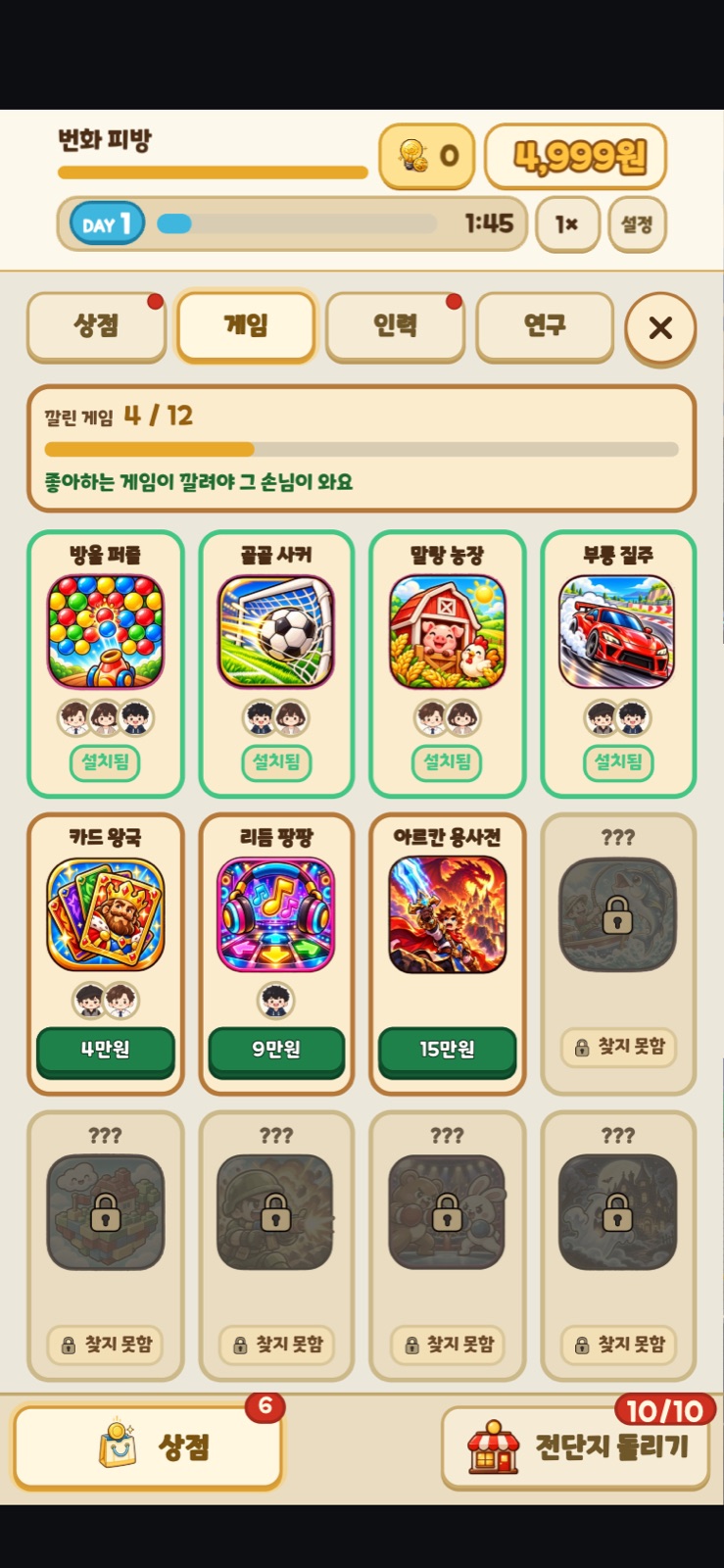
Around the same time a separate report had come in saying "furniture won't move". When we traced it, the cause was the same, so we merged the two tickets. When you select a piece of furniture, a row with Move, Rotate, Store and Sell buttons appears at the bottom of the screen, and that whole row was hidden.
What changed in Android 15
From Android 15, apps built with targetSdk 35 or higher get edge-to-edge enforced. The app window stretches under the status bar at the top and the navigation bar at the bottom, and it is up to the app to avoid the parts that end up underneath. This app targets SDK 36, so it was affected as is.
A native app can read the inset values the system reports and set its margins from those. Our game runs on Capacitor 7 and draws inside a WebView, and there the env(safe-area-inset-bottom) value that the web side reads came back as 0. The web code assumed there was no bar below, pinned the tab bar to the very edge of the screen, and the navigation bar was drawn over it.
Bar height depends on the navigation mode and on the device, so I suspect the same app was covered by a different amount for different people. That is a guess, not a number we measured.
Why the 24px bottom patch was wrong
There were actually traces of this problem from before. The code had a line that added a 24px bottom margin. The bottom looked covered on some device, so someone had lifted everything by that much as a patch.
One number cannot work. The height of the navigation bar differs between devices and between navigation modes. If the bar is thicker than 24px, it still covers the buttons, and where there is no bar it leaves a pointless gap. While the patch fixed one device, the app stayed buried on the others.
So this time we deleted the 24px line. Instead of having the web code guess a margin, we changed the app so the WebView is drawn only inside the bars from the start.
The fix: one setting, bar colors, and a check
We merged the fix on November 2, the same day the review arrived. The same change went into six tycoon apps and the template we use to stamp out new games.
First, we set android.adjustMarginsForEdgeToEdge to "force" in capacitor.config.json. That value moves the WebView inside the system bars. We did not leave it on "auto" because auto switches off when the theme has an edge-to-edge opt-out, and Android 16 ignores that opt-out. On Android 14 and below the insets are 0, so force changes nothing there.
Second, the bar colors. Once the WebView is moved inward, the window background shows through behind the bars, and the default is white, so a dark game gets white strips at the top and bottom. So we added a build script that paints the Android theme's window background, status bar and navigation bar in the app's base color. When the base is dark, the bar icons stay light. Capacitor rewrites the android folder on every sync, so we chained the order so that this script always runs after sync.
Third, to stop it from coming back, we wrote a check that tests whether each app has this setting on, and made it run on every commit. Seven apps in other genres could not turn it on yet, so we put them in a ledger with a reason for each, and the ledger can only be edited in the direction of getting shorter. If a new app arrives without the setting, the check blocks it.
- android.adjustMarginsForEdgeToEdge: "force" in capacitor.config.json
- Inject the window background and system bar colors in the app's base color (run after sync)
- Delete the 24px bottom margin patch
- A per-app check for the setting, plus an exceptions ledger that can only shrink
What we have not measured yet
One is a check on a real device. The test phone we have runs Android 14, where this symptom never appears in the first place. Looking at the bottom tab bar of the fixed build with our own eyes on an Android 15 device is still to do.
The other is the result. We have not yet measured how the rating moved after the fix, or whether that reviewer came back. It has only been three days since the fix, and there is no number we can use right now. When there is one, we will update this post.
Sorting 35 reviews
This prompted us to sort the 35 reviews that had piled up on the PC bang part-time job app by content.
The biggest group was 27 reviews about not being able to get into the game at all. Since October 14, though, there have been 0 new reviews of that kind. We read that as the earlier fix holding up.
Of the 2 reviews about ads, one pointed at a problem where a review prompt popped up right after an ad had just ended. The moment right after someone watches an ad is the worst time to ask for a review. On November 3 we changed it so the game does not ask for a review within 10 minutes after an ad.
| Category | Count |
|---|---|
| Can't get in | 27 |
| Lag | 3 |
| Ads | 2 |
| Saving | 1 |
| Controls | 1 |
| Other | 1 |
FAQ
Why are the bottom buttons of my app hidden behind the navigation bar on Android 15?
From Android 15, apps with targetSdk 35 or higher get edge-to-edge, where the window is forced to stretch under the system bars. If the app does not leave a margin equal to the bar height, the buttons at the very bottom end up under the navigation bar.
How do I set adjustMarginsForEdgeToEdge in a Capacitor app?
Add adjustMarginsForEdgeToEdge to the android entry in capacitor.config.json. PC Cafe Tycoon (PC방 키우기) turned it on with "force". "auto" switches off when the theme has an edge-to-edge opt-out, and Android 16 ignores the opt-out, so we chose force.
Can't I just add a fixed pixel margin at the bottom?
Bar height differs between devices and navigation modes, so one number does not fit. This app had a 24px patch too, but thicker bars still covered the buttons, and we deleted it this time.
After moving the WebView inside the bars, I get white strips at the top and bottom.
That is the window background showing through behind the bars. The default window background is white. Setting the Android theme's window background, status bar and navigation bar colors to your app's base color makes them disappear. Capacitor rewrites the android folder on sync, so put the step that injects the colors after sync.
More from the blog
 ComparisonOnsen and bathhouse games: 8 compared by what the store pages sayOnsen and bathhouse games from Steam, Google Play and the App Store in one table: price, rating, idle or not, Korean and Japanese support, plus the weak spots of our own game.
 ComparisonIdle tycoon games that work offline: 8 picks sorted by store labelsWhich idle tycoon games work offline? Google Play tag, store wording, list price and ads in one table, plus our own game's weak spots.
 Games likeFinished Kairosoft? 14 games to play next, sorted by what you lovedIf you have played through Kairosoft, here are 14 games sorted into four flavors: short grow-it sessions, running a shop, watching residents live, and layout puzzles. Steam list prices, review scores and UI languages checked by hand.
 ComparisonInternet Cafe Simulator Games in 2026: 17 Picks, iPhone IncludedLooking for an internet cafe simulator on iPhone, Android or Steam? We compared 17 games using prices, ratings and offline notes read straight off the store pages, plus our own game's weak spots.