
Blog · Behind the scenes
Solo dev mistake log
I tried to crash my own app to test crash reporting, and it wouldn't crash

I put a crash reporter into several of my games so my phone tells me the moment an app blows up, and I got two things wrong in the first week. The switch that crashes the app on purpose did not crash it on a real iPhone, and the two boot errors that arrived right after a Play upload came from Google's pre-launch test devices, not from users. In both cases the test was what was wrong.
To test a crash reporter, the app has to crash
When a game crashes on someone's phone, I wanted to know before the reviews showed up. So I built a small reporter and put it into about ten games. It receives WebView errors, the last action the player took, and native crashes where the whole app just disappears.
The hard part is testing it. To see whether the reporter catches a crash, the app has to really crash. So I added a switch that kills the app on purpose. Tap a hidden button and it sends SIGSEGV (a memory access error signal) to the app process.
Wrong call one: I assumed sending the signal would kill the app
I tapped the switch on a real iPhone 11 Pro and the app did not die. The screen stayed the same and nothing reached the reporter.
The most dangerous conclusion at that point is that the reporter can't catch crashes. The switch had failed to kill the app, and if I had blamed the reporter I would have fixed working code and left the real hole alone. When I checked, the switch was the culprit. A signal handler that the WebView had already installed was catching that signal first.
The fix is one line. Before sending the signal, reset SIGSEGV to its default action. After that the app died, and on the next launch both the WebView crash record and the SIGSEGV report that iOS collects arrived. That day I learned the testing tool can be wrong before the thing it tests.
Wrong call two: I assumed errors right after upload were from users
The reporter has a severity rule. If boot errors that happen within 8 seconds of launch show up in 2 or more sessions, it counts as severe and I prepare a hotfix right away. In the first week two games tripped it. Wakppu Tower 1.0.10 and Chichi Backpack 1.0.0 had just gone up on Play, and both showed the same error. A shader link failed, with a uniform count of 261.
I read it as my game dying while booting on users' phones. It wasn't. When I ran Wakppu Tower 1.0.10 on my work phone (Adreno 740), there were 0 errors, and the number 261 turned out to be the limit of the software renderer (SwiftShader) used by Google's virtual devices. I had been counting errors from the pre-launch test robot that Play runs right after an upload as human errors.
| What I first read | What it was | |
|---|---|---|
| The error | Shader link failure during boot (261 uniforms) | Same error, a virtual device limit |
| Where it came from | A user's phone | A Firebase Test Lab virtual device (SwiftShader) |
| 1.0.10 on the work phone (Adreno 740) | Not checked yet | 0 errors |
| Severity call | 2 hotfix cases | No hotfix needed |
What I changed
If the reporter runs on a software renderer or a Firebase Test Lab device, it now sends no sessions and no errors at all. On the work phone I checked it myself: turn the marker on and it is recognized as a robot, turn it off and it is recognized as a person. I also added it to the sync check so no copy ends up without the same guard.
I came away with two rules from week one. Before you rely on a test switch, check that the switch really works. A new monitor has to filter out its own noise first.
What to try first if you're in the same spot
If you're adding a crash reporter for the first time as a solo dev, I'd go in this order.
- If you wrote code that crashes the app on purpose, first check on a real device that the app really dies.
- Then check that the report arrives on the next launch after the crash.
- For errors that show up right after a Play upload, compare them with the device list in the pre-launch report first.
- Reproduce a suspicious error on one real phone with the same version.
- For a new alert rule, count the noise it produces in the first week before trusting it.
FAQ
How do you crash an iOS app on purpose to test a crash reporter?
I used a switch that sends SIGSEGV to the app process. On a real iPhone 11 Pro, a signal handler set by the WebView caught it and the app didn't die. Once I reset SIGSEGV to its default action before sending the signal, it died. Also check that the report arrives on the next launch.
My Play Console pre-launch report shows a crash. Do real users hit it too?
Not in my case. The renderer error appeared only on Firebase Test Lab virtual devices right after the upload, and Wakppu Tower 1.0.10 had 0 errors on a real phone (Adreno 740). Check the device list in the pre-launch report first.
What does a crash reporter collect?
The one I use collects WebView errors, the last action before the error, the error rate per session, and native crashes. If boot errors within 8 seconds of launch show up in 2 or more sessions, it counts as severe and I prepare a hotfix.
More from the blog
 ComparisonOnsen and bathhouse games: 8 compared by what the store pages sayOnsen and bathhouse games from Steam, Google Play and the App Store in one table: price, rating, idle or not, Korean and Japanese support, plus the weak spots of our own game.
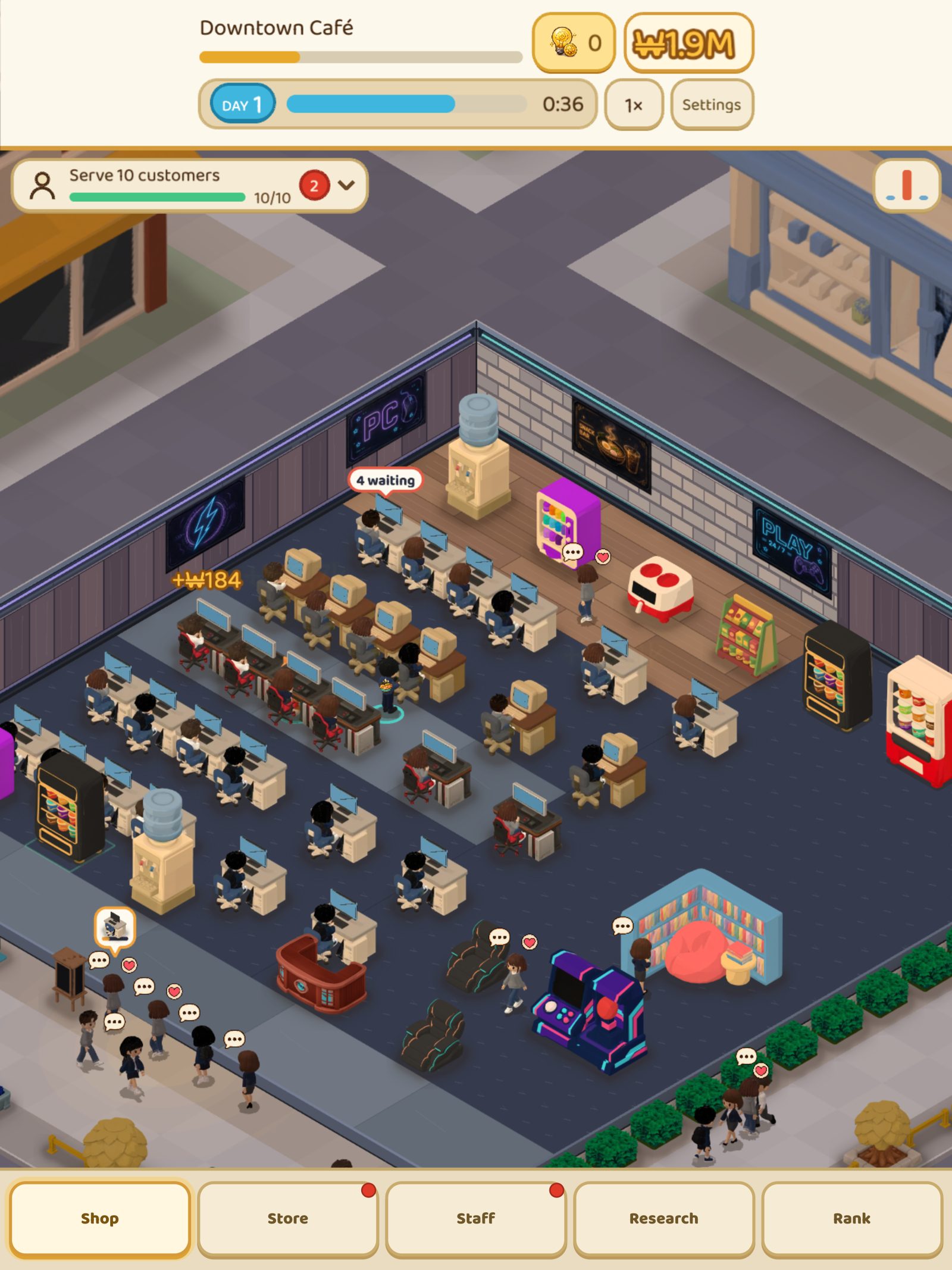 ComparisonIdle tycoon games that work offline: 8 picks sorted by store labelsWhich idle tycoon games work offline? Google Play tag, store wording, list price and ads in one table, plus our own game's weak spots.
 Games likeFinished Kairosoft? 14 games to play next, sorted by what you lovedIf you have played through Kairosoft, here are 14 games sorted into four flavors: short grow-it sessions, running a shop, watching residents live, and layout puzzles. Steam list prices, review scores and UI languages checked by hand.
 Games likeGames like Game Dev Story: 7 Kairosoft alternatives worth playing nextGames like Game Dev Story and Kairosoft alternatives on Steam, iOS and Android, with price, ratings and language support in one table.